VPN on Multiple Devices: What You Need to Know
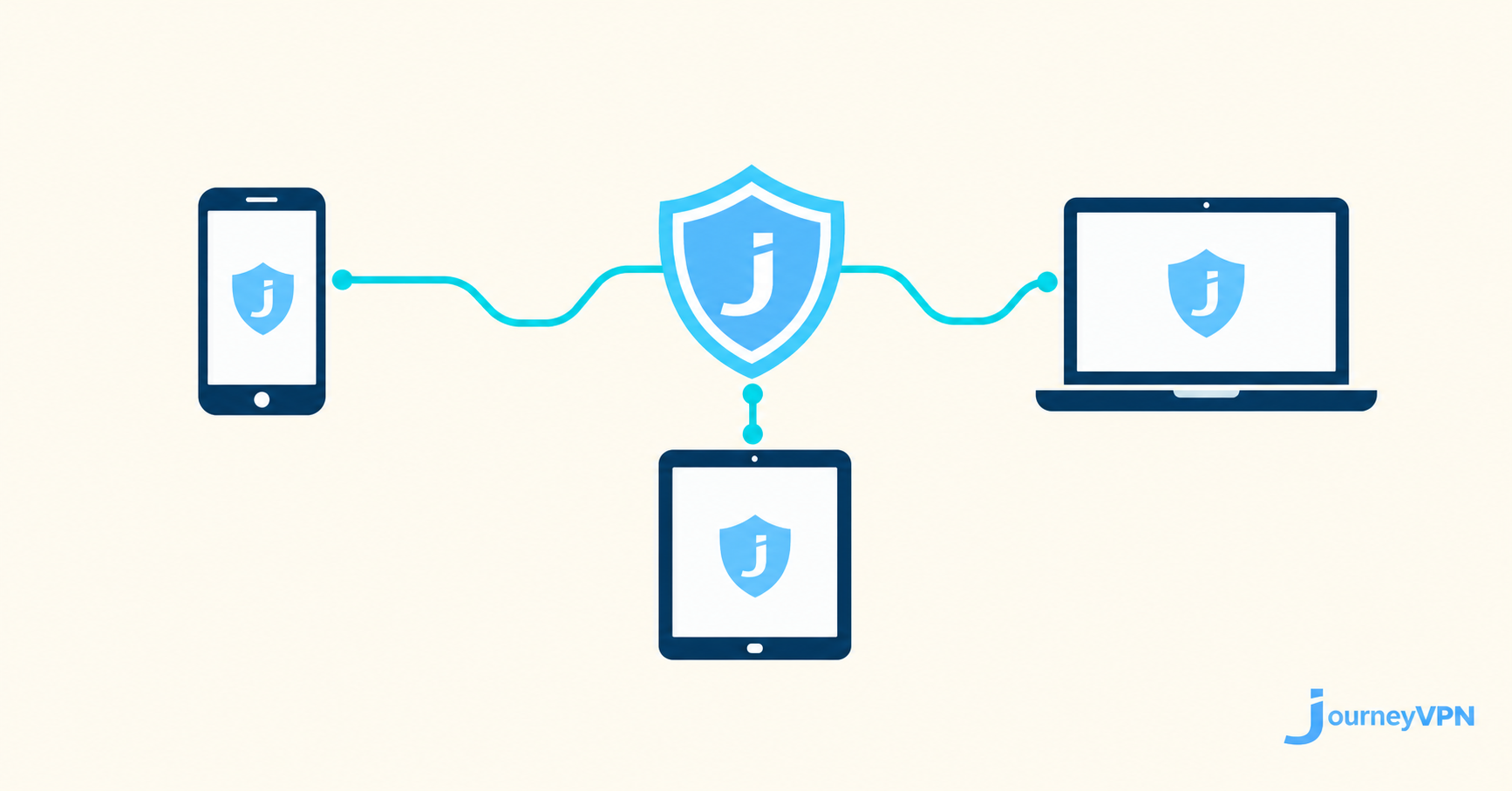
VPN on Multiple Devices: What You Need to Know
Most people use more than one device to go online—a phone, a tablet, a laptop. If you care about privacy, you probably want your VPN running on all of them. But managing a VPN across multiple devices raises questions: How many devices can you protect at once? Does it affect performance? What happens when you switch between them?
Here's a practical guide to using a VPN across all your devices.
How Many Devices Can Use One VPN Account?
Most VPN providers allow you to connect a set number of devices simultaneously under a single account. The exact number varies by provider and plan. JourneyVPN is designed for mobile use, making it easy to protect your Android devices wherever you go.
If you need to protect more devices than your plan allows, you can log out of one device before connecting on another.
Does Running a VPN on Multiple Devices Slow Things Down?
Each device running a VPN creates its own encrypted connection to the VPN server. The performance on each device depends on that device's connection quality, not on the others. Running a VPN on your phone doesn't slow down your laptop, and vice versa.
What can affect performance is server load. Choosing an uncongested server—or letting your VPN app select one automatically—helps keep speeds consistent across all your devices.
Staying Protected When You Switch Devices
A common gap in VPN protection happens when switching devices. You might turn on your VPN on your phone by habit, but forget when you switch to your laptop. Or you might connect from home where your VPN is running, then use a different device on public Wi-Fi without it.
The simplest fix is habit: make connecting to your VPN the first thing you do whenever you open a new device or connect to a new network. JourneyVPN is designed to be fast and simple—you can connect in seconds before you start browsing.
Managing Your Connected Devices
Most VPN apps let you see which devices are currently connected under your account. If you notice an unfamiliar device, it's worth reviewing your connected devices and revoking access to any you don't recognize.
Keep your VPN app updated on all devices. Updates often include security patches and performance improvements that benefit every device you use.
The More Devices You Protect, the Better
Each unprotected device is a potential weak point. Your phone might be running JourneyVPN while your tablet is wide open on public Wi-Fi. Taking a few minutes to set up your VPN on every device you regularly use closes those gaps and gives you consistent, reliable protection wherever you go.